Documenting Inspections: Quick, Systematic, Complete
Document inspections in Hivekraft with templates, structured fields, and timeline view -- this is how systematic colony management works.
The inspection is the most important contact point between you and your bees. What you observe forms the basis for all further decisions: Does the colony need more space? Is swarming mood approaching? Does it need treatment? Only if you systematically record these observations can you make use of them. In this lesson, you will learn how to efficiently document inspections with Hivekraft.
Why Document Inspections?
Three good reasons why the effort is worthwhile:
1. Recognize Trends
Individual snapshots say little. But when you document over weeks and months, patterns become visible: A colony is developing more slowly than the others. Food reserves are dropping faster than expected. The temperament has worsened since the last inspection. You can only recognize such trends when you have previous entries for comparison.
2. Compare Colonies
With multiple colonies, you want to know: Which colony is developing best? Which is falling behind? Which queen shows the best laying performance? Documented inspections make these comparisons possible -- across colonies and across apiaries.
3. Legal Requirement
Since 2022, all beekeepers in the EU must keep a colony record book (EU Regulation 2019/6). Treatments with veterinary medicines must be documented with date, product, dosage, batch, and withdrawal period. The retention period is five years. Hivekraft automatically generates this record book from your treatment entries.
The colony record book primarily concerns treatments. But documenting inspections goes beyond that and helps you understand your colonies better. Think of it not as bureaucracy but as a tool for better beekeeping.
Templates: The Right Framework for Every Situation
Hivekraft offers six predefined templates tailored to different situations. Each template shows only the relevant fields, so you do not have to scroll through 20 input fields for every inspection.
Quick Check
The Quick Check is designed for a brief control in between: How strong is the colony? Queen spotted? Temperament? Space for notes. Four fields, completed in under one minute.
Suitable for: Brief interim checks, entrance observations, quick look under the cover.
Spring Inspection
The most comprehensive template. After winter, you want to know everything: colony strength, queen, eggs, open and capped brood, honey and pollen reserves, brood pattern, laying performance, queen cells, and notes. Twelve fields for a thorough season start.
Suitable for: First inspection in spring, thorough assessment after the winter break.
Summer Inspection
Focus on swarm control and honey super: colony strength, queen cells (number, type, action taken), honey reserves, temperament, flight activity, actions performed.
Suitable for: Regular inspections during swarm season and main flow.
Autumn Inspection
Preparation for winter: colony strength, food reserves, pollen reserves, Varroa infestation values and method.
Suitable for: Checks during feeding and after summer treatment.
Winter Check
Minimal template for external observation without opening the hive: flight activity, temperature, weather conditions, notes.
Suitable for: Entrance observations and weight checks in winter.
Health Check
Specifically for disease monitoring: Varroa count and method, brood pattern, brood compactness, pests. For a targeted look at health.
Suitable for: Suspected diseases, routine Varroa monitoring, health certificates.
You do not have to use a template. If you skip it, Hivekraft shows all available fields. For most inspections, however, a suitable template saves time because only the relevant fields are displayed.
Creating a New Inspection: Step by Step
- 1
Select colony
Open the colony you have inspected and click New Inspection. Alternatively, you can also create a new inspection via the Inspections section in the sidebar and select the colony there.
- 2
Choose template
Select the appropriate template for your situation. In spring, use the Spring Inspection; in summer, the Summer Inspection; for a quick look, the Quick Check. The template determines which fields are displayed.
- 3
Date and weather
The current date is automatically entered. You can adjust it if you are recording the inspection retroactively. Weather data (temperature, cloud cover, wind) is automatically retrieved from weather services based on the GPS position of your apiary.
- 4
Document brood findings
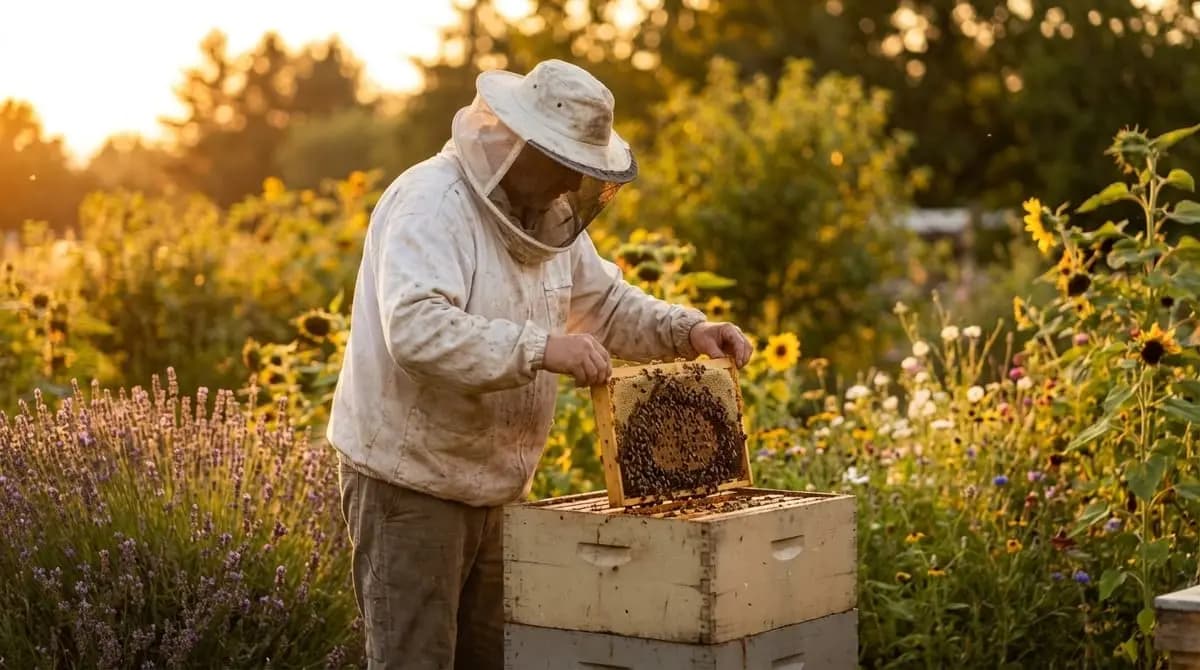
Enter what you saw: Eggs present? (Yes/No -- the most reliable proof of a laying queen). Open brood: Number of brood frames with larvae. Capped brood: Number of brood frames with capped brood. Brood pattern: Solid, slightly patchy, or heavily patchy.
- 5
Estimate food reserves
Estimate the honey and pollen reserves. Hivekraft uses a simple scale that you can estimate from the weight of the frames even without a scale. A fully capped standard frame contains about 2 kg of honey -- that is a good reference point.
- 6
Note special observations
Here you enter everything notable: queen cells (number and whether they contain eggs), disease signs (chalkbrood, patchy brood), colony temperament (calm, nervous, aggressive), flight activity, and actions performed. The free-text Notes field provides space for everything that does not fit the standard fields.
- 7
Save
Click Save. The inspection immediately appears in the colony's timeline and feeds into the health score.
Automatic Data: What Hivekraft Handles for You
Some data you do not need to enter yourself -- Hivekraft fills it in automatically:
- Date and time: Set when creating (adjustable)
- Weather: Temperature, cloud cover, and wind based on the apiary location via the Bright Sky API (weather service data)
- Health score update: The colony's score is recalculated after every inspection
- Inspection interval: Hivekraft remembers when the last inspection was and reminds you when a new one is due
Comparing Inspections: The Timeline
Every colony in Hivekraft has a chronological timeline of all inspections. Here you can see at a glance how the colony develops over time:
- Colony strength trend: Is the colony growing? Stagnating? Declining?
- Brood development: When were eggs seen? How did the brood nest develop?
- Food reserves: Are they rising (flow) or falling (dearth, winter)?
- Treatments: When was treatment applied? With which product? What was the mite fall afterward?
Scroll through the timeline to read the colony's history. This is especially helpful before an inspection: a quick look at the last two or three entries shows you what to watch for.
Not everyone wants to type on a smartphone with gloves on. A proven method: make brief bullet points at the bee yard (mentally or on your phone lock screen), and complete the full inspection entry at home in the evening. As long as you do it the same day, you will not forget anything important.
Practical Tips for Efficient Documentation
Less Is More
You do not need to fill in every field for every inspection. The Quick Check with four fields is perfectly sufficient for a routine check. Use the detailed templates for the major inspections (spring, autumn) or when something stands out.
Stay Consistent
More important than the amount of data is regularity. A brief documentation after every inspection is more valuable than a detailed documentation every few weeks. Make it a habit: close the hive, pull out the smartphone, enter the inspection.
Don't Forget Photos
A photo sometimes says more than all fields combined. Hivekraft allows attaching photos to every inspection. Particularly useful for:
- Unusual brood patterns (foulbrood suspected? Take a photo and show your advisor)
- Queen cells (document location and size)
- Pest infestation (for identification)
- Particularly beautiful brood combs (those deserve to be celebrated too)
Note the Next Action
The Notes field is ideal for immediately recording what you want to do on your next visit: "Add honey super", "Check for queen cells", "Take brood sample". When you open the colony next time, you immediately know where to start.
Frequently Asked Questions
Knowledge Check
In the next lesson, we dive deep into the Varroa Dashboard -- assigning measurement methods, tracking treatments, and understanding seasonal thresholds.