

Features

HiveKraft beekeeping app features

Everything you need for your beekeeping: from digital hive records and varroa management to treatment record exports, HiveKraft brings all the tools together in one app.

  • Voice input at the apiary
  • Works offline, even without reception
  • Install as an app (PWA)
Millbrook ApiaryWaldrand apiary

Waldrand apiary

24 colonies, 4 need attention

  • Check varroa2
  • Treat2
  • Nucleus Colony (Nuc)2
  • 2 colonies not yet placed
Real app components with fictional example data.

Try it out

Twelve features, one app

Choose a feature: what you record, what you get, which plan includes it and how it looks in HiveKraft. Real app components with fictional example data.

Digital Hive Card

Digital Hive Card

Manage all colonies, apiaries and queens in one place. The status indicators immediately show where action is needed.

You enter
Each colony with its apiary, number, hive type, origin and queen.
You get
A record per colony with strength, stores, varroa and history; a colony list sorted by urgency; the hive record as a PDF.
In your plan
Free for up to 10 colonies, Plus for up to 50, Pro unlimited.
FriedaWaldrand · CarnicaQueen 2025Treat
Strength
7 frames
Varroa
4.2 per day
Food
11 kg
Last inspection
14.10.

Everything works together

One app for all your beekeeping

Whether you keep a few colonies as a hobby or run a large business, HiveKraft adapts to your workflow. What you record at the apiary appears everywhere you need it.

  1. Hive InspectionHive Record CardFrieda: 7 frames, queen seen
  2. TreatmentTreatment Record BookObstwiese: 6 colonies, batch 24-118
  3. HarvestBatch and labelForest honey: lot 2026-05, water 16.9%

Inspections flow into hive records, treatments update the treatment record, and harvests are tracked through to the finished batch.

My website

Your apiary’s website, built from your data

Honey, collection and contact details are already in HiveKraft. My website turns them into a page for your customers, without starting from scratch or maintaining the same information twice.

  • A portfolio template, adapted free of charge in the editor without AI, or your own AI designs based on your description
  • Honey varieties with availability and prices from your lot pages; the QR code on the jar leads to the lot page
  • Apiaries show only their name and region, never addresses or coordinates
  • Enquiries through your website form, plus a newsletter for your subscribers
  • Optionally use your own web address, such as www.honig-muehlbach.de

Plan: On every plan. AI suggestions: 2 in total on Free, 3 per month on Plus, 15 per month on Pro; newsletter from Plus, your own web address on Pro.

www.honig-muehlbach.de
  • Journal
  • Market stall
  • Scandinavian
The example website of Millbrook Apiary in the Dusk template, with three more templates below. Made-up example data.The example website of Millbrook Apiary in the Dusk template. Made-up example data.

Beyond the twelve

What else HiveKraft can do

These features have no separate page, but often save a beekeeper the most time day to day.

  • FeedingFor several colonies in one step, with adjustable amounts per colony. The season summary shows consumption and feed types.
  • Tasks and calendarYour own tasks with a due date and colony, suggested seasonal work, a monthly calendar and a calendar subscription for your phone.
  • Map and routesAll apiaries on a map, a round trip with order, distance and travel time, and navigation through Google Maps.
  • InventoryMaterials with minimum stock levels per storage location; items running low appear on the shopping list.
  • FinanceIncome and expenses, costs per colony and per jar, and an annual report. Selling a batch automatically records the income.CSV income statement export from Plus
  • AI chatQuestions about your own colonies. If the chat suggests an entry, it is saved only after you confirm.Free: 5 questions per day, unlimited from Plus
  • Photo DiagnosisUp to three photos of a frame; AI describes what it sees. Guidance, rather than a veterinary diagnosis.
  • Year ReviewYour year in numbers: harvests, inspections, treatments and colonies, compared with the previous year.
  • Compare coloniesTwo colonies side by side, seven characteristics, with the better value highlighted.
  • ImportImport colonies, inspections and treatments from Excel or another app via CSV, with a preview before saving.
  • Custom FieldsUp to 10 additional fields per inspection, for example wind strength or forage availability.
  • Webhooks and APISend events to your own systems or retrieve data through the REST API.Webhooks from Plus, API on Pro

At the apiary without reception

What works offline and what needs a connection

Offline entries wait on your phone and upload once reception returns. If a transfer fails, HiveKraft shows the entry and the reason so you can send it again.

Works offline

Offline
  • Inspection and quick check
  • Treatment, including for several colonies
  • Feeding, including for several colonies
  • Harvest
  • Voice round: the recording waits on your phone

Needs a connection

  • Voice input for a single colony
  • Upload photos
  • Weather and analysis
  • AI chat and photo analysis
Millbrook ApiaryQuick check · offline
FriedaForest edge · todayQueen 2025Works offline
Real app components with fictional example data.

Getting started

From registration to your first inspection in four steps

  1. Create an account

    With your email address, no credit card needed. Your account starts with one month of Plus.

  2. Add an apiary and colonies

    Setup asks how many colonies you have and creates your first apiary with all its colonies. With many colonies, CSV import is faster.

  3. First inspection

    Use a quick check or voice input at the apiary. Every entry fills your hive record.

  4. Add to your home screen

    Open HiveKraft in your phone’s browser and install it as an app; on iPhone, HiveKraft shows you the steps.

Ask

Frequently asked questions about features

Can I import existing data?

Yes, through CSV files. Import colonies, apiaries and past inspections from Excel or another beekeeping app. If the format does not match immediately, support can help map the columns.

Can I add custom fields to inspections?

Yes. Add up to 10 custom fields under Settings: text, number, yes/no or selection. They appear in each inspection, for example for wind strength or forage availability.

Which hive types does HiveKraft support?

All of them. HiveKraft works independently of hive type, including Dadant, Zander, Langstroth and Flow Hive. Store the hive type per colony; inspections and harvests work the same way for all systems.

Which hive scales are supported?

HiveKraft receives readings through an open interface and directly from ThingSpeak channels; import older readings as CSV. Integration details are in Settings.

Can I use the app without AI?

Yes. AI chat, AI voice input and AI photo analysis are optional. Rule-based recommendations, warnings and the daily briefing run without AI.

Is there a CSV or Excel export?

Yes. Treatment records are available as PDFs on every plan; from Plus, inspections, treatments and harvests also export as CSV.

Can I move colonies between apiaries?

Yes. Moves appear in the history, so you can always see when each colony stood at each apiary.

Is the app easy to use at the apiary?

Yes. Large buttons, clear contrast and quick checks are designed for gloves; voice input lets you record hands-free.

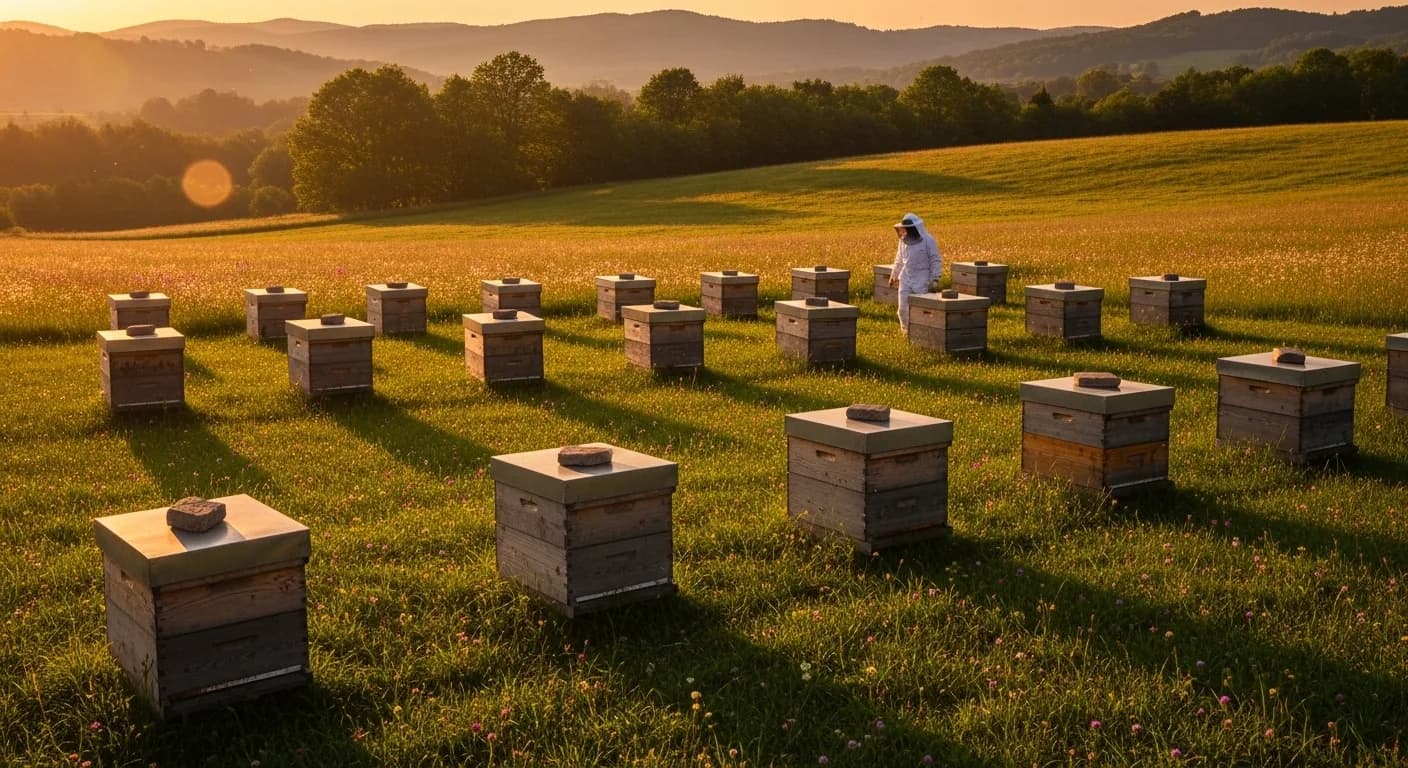
Apiary in golden sunset

Ready for digital beekeeping?

Start free and discover how HiveKraft simplifies your beekeeping.

Start for free