

Feeding · Frieda, Luise, AnniLena
- 5 kg sugar syrup 3:2 each
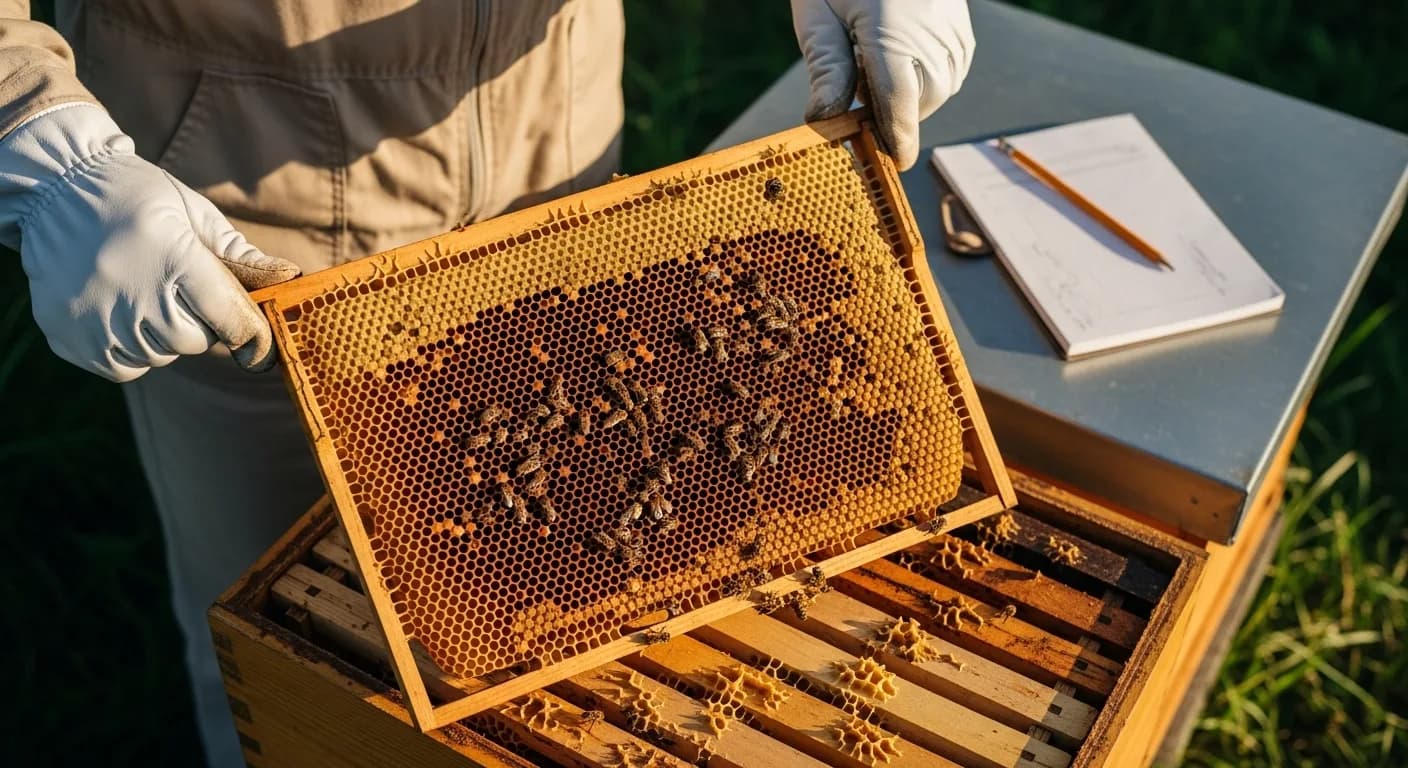
Leave loose paper behind. The digital hive card keeps all colony information to hand, even at the apiary.
A hive card records inspections, the queen, treatments and stores for each colony. HiveKraft keeps and analyses it digitally. Hive card in the glossary
Before: Notes get lost between hive visits
With HiveKraft: Everything digital and securely stored in one place
Before: 15 colonies – which needs feeding, which was sick?
With HiveKraft: Traffic lights: red means take action, green means everything is in order
Before: Tedious to record data on the go
With HiveKraft: Quick check with a few taps, also by voice
A colony’s hive card shows its condition and next steps, followed by everything that has happened.
One rule across views: colony list, home page and hive card assess the same way.
Set overdue inspection reminders for each season yourself. Dead, sold or merged colonies are excluded. The apiary map shows colony numbers and condition at each location.
Every inspection, feeding and measurement goes into the colony history. In spring, see what happened in autumn.

From a quick look to a full inspection, depending on your time at the apiary.
Strength, queen status and stores in a few taps, also by voice. For weekly quick visits.
Strength, queen, eggs, brood frames, queen cells, varroa measurement, pests, notes and photos.
Up to 10 custom text, number, yes/no or selection fields, such as wind strength or forage, in every inspection.
Offline: Inspections, quick checks and feeding wait on your phone until reception returns. Photos require a connection and are not saved offline; select them again later in the inspection details.
Three steps from paper records to your first HiveKraft inspection.
Free, without a credit card. Every new account gets one month of Plus included.
Enter your colony count; HiveKraft creates your first apiary and all its colonies in one step. With many colonies, CSV import is faster.
Install HiveKraft on your home screen and do your first quick check at the apiary. You can keep paper records alongside it.
The hive card is part of every plan. Plans differ in colony and apiary limits, allowances and exports.
FreeEnough to get started
€0.00forever
Plus
€4.99per month or €39.99 per year
Pro
€8.99per month or €71.99 per year
Every new account gets one month of Plus included. All prices
Guides
ReadGuides
ReadGuides
ReadYes. It is included in the free Free plan (up to 10 colonies). For larger operations there are Plus and Pro.
Yes, on any smartphone, tablet and computer, in the browser or as an app on your home screen.
Yes, with the CSV import for colonies, apiaries and past inspections. If the format does not fit right away, support helps you map the columns.
Yes. The move is recorded in the history, so you can always see when each colony stood where.
It helps you keep track, whether you have 2 or 20 colonies, and saves time on record keeping.
Plan and document treatments
Learn moreRecord book from your treatments
Learn moreLive weight and temperature
Learn more