Community: Connect, Compare, Learn from Each Other
The Hivekraft community connects beekeepers in your region. Nectar flow reports, club features, and the honey map -- here's how to use the community.
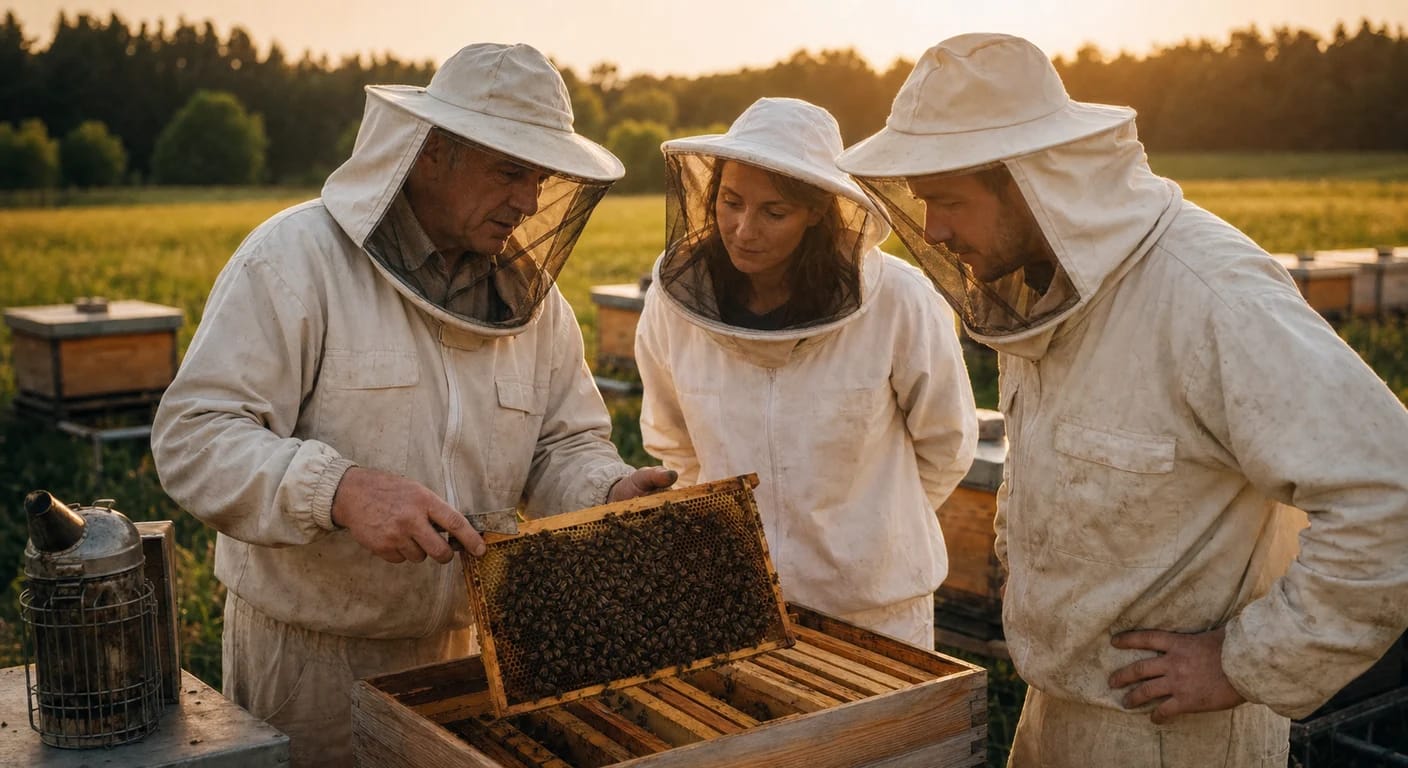
Beekeeping has always been a community pursuit. Beekeeping associations have a centuries-old tradition, and exchanging with experienced colleagues is the most valuable learning accelerator for beginners. Hivekraft brings this community into the digital world -- not to replace personal contact, but as a meaningful supplement.
In this final lesson of the course, we'll look at the community features, explain what gets shared and what stays private, and give you an overview of everything you've learned in this course.
The Community Map: Beekeepers Near You
The community map shows you where in your area other Hivekraft users keep their bees. This sounds simple but is surprisingly useful for beekeeping:
Why Regional Networking Matters
Bees fly up to 3 km from their hive. This means: your bees may be visiting the same nectar sources as your neighbor's colonies two villages over. When you know who keeps bees within your flight radius, practical benefits emerge:
- Nectar flow observation: When the beekeeper three kilometers south reports that the rapeseed is blooming, you know it's about to start for you too
- Swarm catching: A reported swarm in the neighborhood can be quickly captured
- Disease reporting: If foulbrood occurs nearby, you can react in time
- Harvest comparison: How was the harvest for other beekeepers in the region? Are your results within the normal range?
On the community map, locations are intentionally displayed imprecisely (rounded to about 1-2 km). This way, you can see that there are other beekeepers in your area without their exact bee yard location being visible. This protects against unwanted visits and theft.
Sharing and Receiving Nectar Flow Reports
One of the most valuable community features is the nectar flow reporting system. When multiple beekeepers in a region share nectar flow data, a picture emerges that no one could see alone.
How It Works
When you observe a nectar flow in Hivekraft or your hive scale shows a significant weight gain, you can share a nectar flow report:
- Which flow? (e.g., rapeseed, fruit blossom, linden, black locust)
- How strong? (light, medium, strong)
- Since when? (start of the flow)
Other beekeepers in the region see these reports on the map and can adjust their own planning -- for example, adding honey supers in time or scheduling an upcoming extraction date.
Club Features
Many beekeepers are organized in associations. Hivekraft offers special features for clubs and groups:
Shared Apiary Management
Clubs with a shared teaching apiary or club bee yard can manage it jointly in Hivekraft. Authorized members can see the colonies, enter inspections, and follow the condition.
What Clubs Can Use
- Club apiaries managed jointly
- Members invited with assigned permissions
- Activities coordinated (Who does the inspection when?)
- Anonymized statistics on treatments and harvest results
If you want to introduce Hivekraft in your club, start with the shared club bee yard as a pilot project. This way, all members can get to know the system without having to enter their private data right away.
The Honey Map: Find Regional Honey
The honey map is a public feature that connects beekeepers and honey buyers. If you sell honey, you can mark your location (approximately) on the map and indicate which honey varieties you offer.
For consumers, the honey map offers:
- Find regional honey: Honey from the local area has short transport routes and supports local beekeepers
- Discover varieties: From rapeseed honey to forest honey to black locust honey -- the diversity of regional varieties
- Make contact: Direct connection to the beekeeper
Privacy: What Gets Shared, What Stays Private?
Privacy is a sensitive topic, especially when it comes to the location of beehives (theft is unfortunately a real problem). Hivekraft takes a deliberately careful approach:
Always Private (never visible to others)
- Exact location coordinates of your apiaries
- Number and details of your colonies
- Inspection notes and colony record book entries
- Treatment data and health information
- Harvest quantities and economic data
- Personal contact information (unless you share it)
Optionally Shareable (you decide)
- Approximate location on the community map (1-2 km imprecision)
- Nectar flow reports (anonymous or with name)
- Honey sales on the honey map
- Club membership
During registration, all community features are disabled. You must actively decide what you want to share. Nothing is made public without your explicit consent.
GDPR Compliant
Hivekraft is developed and hosted in Germany (Hetzner, located in Germany). All data is subject to the GDPR. There is:
- Complete privacy policy
- Right to access and deletion
- No data sharing with third parties
- Encrypted data transmission (HTTPS)
Course Summary: What You've Learned
You've completed the course "Using Hivekraft Effectively." Here's a summary of the key topics:
- 1
Lesson 1: Getting Started
Registration, setting up your first apiaries and colonies, getting to know the dashboard. The foundation for everything that follows.
- 2
Lesson 2: Digital Hive Record
Documenting colonies with all details: queen info, inspections, treatments. The hive record is your central tool.
- 3
Lesson 3: Recording Inspections
Structured inspections with photos, ratings, and automatic trend analysis. Faster than any paper notepad.
- 4
Lesson 4: Varroa Dashboard
Interpreting measurement methods and thresholds, and documenting treatments with batches and withdrawal periods. Continue comparable measurements deliberately.
- 5
Lesson 5: Harvest and Labels
Harvest recording, batch management, and label design with QR codes for maximum transparency.
- 6
Lesson 6: Digital Colony Record Book
The colony record book has been mandatory for all beekeepers since 2022 (EU 2019/6). Hivekraft maintains it automatically with all required fields, offers PDF export (bilingual) and CSV export. The five-year retention requirement is no problem digitally.
- 7
Lesson 7: AI Daily Briefing
The daily briefing analyzes weather, colony condition, and season for personalized recommendations. It's a decision aid, not an autopilot. Your experience remains the most important tool.
- 8
Lesson 8: Voice Input
With voice input, you document at the bee yard without having to pick up the smartphone. The AI understands natural language and assigns observations to the correct fields. Requires internet connection.
- 9
Lesson 9: IoT Sensors
Hive scales and temperature sensors monitor your colonies around the clock. Weight curves reveal nectar flow patterns, swarms, and food consumption. Alerts warn of anomalies.
- 10
Lesson 10: Community
The community map connects beekeepers regionally. Nectar flow reports, club features, and the honey map complement the exchange. Privacy has top priority -- you decide what gets shared.
Next Steps: Keep Learning
This course has shown you how to use Hivekraft for the most important tasks. Here are suggestions for what to do next:
Your next steps
Do you have questions, suggestions for improvement, or ideas for new features? Write to us at kontakt@fero-solutions.de -- we read and answer every message.
Final Quiz
To wrap up the course, a few questions across all lessons:
Congratulations -- you've completed the course "Using Hivekraft Effectively"! We wish you great success with your bees and are delighted to accompany you on your journey as a beekeeper.