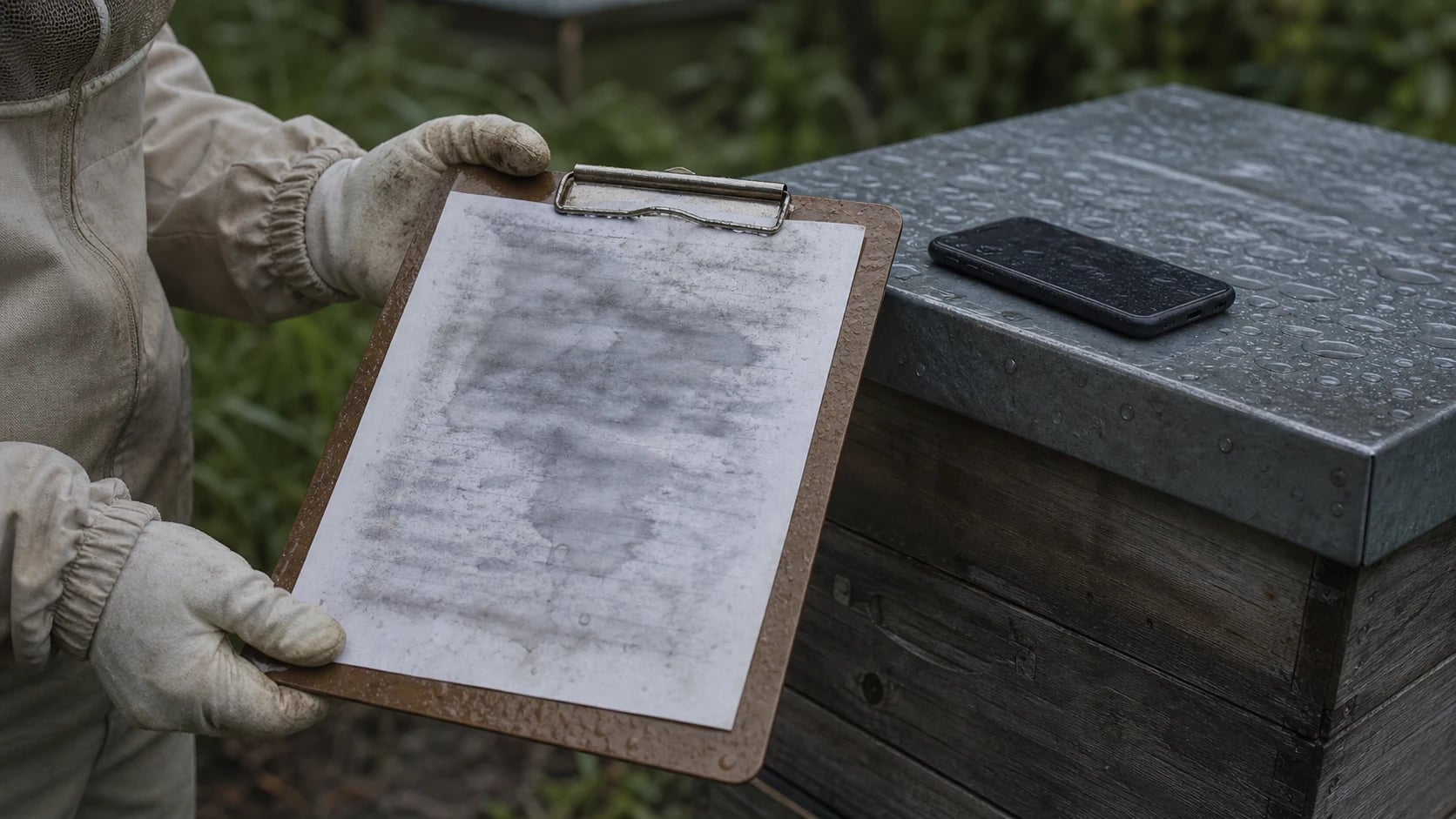
 AI-generated
Goodbye Excel: Why Digital Hive Records Are the Future
Paper, Excel, or app? We compare the three methods of keeping hive records and show why specialized beekeeping software clearly has the advantage.
Many beekeepers start with a paper notebook. At some point it becomes unmanageable, and the next logical step seems to be an Excel spreadsheet. But Excel also quickly reaches its limits when 10, 20, or 50 colonies at multiple apiaries need to be documented. We honestly compare all three approaches and show why specialized beekeeping software like Hivekraft is the future of hive record keeping.
Why Keep Hive Records at All?
Before we talk about the "how," briefly the "why": the hive record is the beekeeper's memory. It documents the condition of each colony at every inspection — colony strength, brood status, food reserves, queen status, and all measures taken.
Since January 28, 2022, the colony record book has been mandatory under EU Regulation 2019/6 for all animal keepers — including hobbyist beekeepers with just a few colonies. It documents all treatments with veterinary medicines and must be kept for five years.
Without proper documentation, you'll be missing details after two weeks: was it colony 7 or colony 9 that had queen cells? When was the last treatment carried out? How much feed was given in October? The hive record answers all these questions — provided it's legible, complete, and searchable.
The Three Approaches Compared
Approach 1: Paper Hive Records
The classic method: a notebook, a clipboard, or index cards per colony. It works — for 3 to 5 colonies at one location. The advantages are obvious: no battery needed, no internet, no learning curve. But the disadvantages are significant.
The problems with paper:
- Illegible notes after a sweaty day in the bee suit
- No backup — if the notebook is lost, years of data are gone
- Searching is tedious to impossible: "When did colony 12 last have queen cells?"
- Analysis across multiple seasons? Only with hours of retyping
- Colony record book must be kept separately — double the effort
Approach 2: Excel / Google Sheets
Many beekeepers make the leap from paper to Excel. It feels like progress: the data is digital, you can search, filter, and even create simple charts. But Excel was built for spreadsheet calculations — not for bee colonies.
The problems with Excel:
- No predefined structure: Everyone builds their spreadsheet differently, important fields are often missing
- Error-prone: A shifted row, a wrong reference — and the entire analysis is off
- No connections: Inspections, treatments, harvests — all in separate sheets that must be manually linked
- Poor at the apiary: Operating an Excel spreadsheet on a smartphone? In gloves? In sunlight?
- No intelligence: Excel won't warn you about swarm risk or calculate a treatment recommendation
- No colony record export: You have to format the PDF for the veterinarian yourself
Approach 3: Specialized Beekeeping Software
Software developed specifically for beekeepers knows the domain: apiaries, colonies, queens, inspections, treatments, harvests. Everything is predefined, linked, and analyzable. Data entry takes seconds instead of minutes.
| Criterion | Paper | Excel | Beekeeping App |
|---|---|---|---|
| Data entry at the apiary | Slow (writing) | Awkward (typing) | Fast (taps/voice) |
| Readability after weeks | Often poor | Good | Always clear |
| Searchability | Nearly impossible | Ctrl+F, limited | Full-text search + filters |
| Colony record export | Manually retype | Format yourself | One click (PDF/CSV) |
| Apiary management | Separate notebooks | Separate tabs | Integrated map |
| Swarm prediction | Not possible | Not possible | Automatically calculated |
| Treatment recommendation | Not possible | Not possible | AI-powered |
| Offline capability | Always offline | Only with file | PWA offline mode |
| Data security | No backup | Local file / cloud | Automatic backup |
| Queen tracking | Cumbersome | Own spreadsheet | Integrated with pedigree |
| Cost | 5 € (notebook) | Free | Free to premium |
The Typical Excel Trap: The "Chaos Spreadsheet"
Almost every beekeeper who uses Excel goes through the same evolution:
Year 1: A nice table with columns for date, colony, colony strength, remarks. Works well.
Year 2: The table grows. New columns for treatments, feed, harvests. Some columns are empty, others overflowing. The formatting breaks.
Year 3: Multiple apiaries. Multiple tabs. Links between tabs. Formula references that sometimes work, sometimes don't. The file is 5 MB and takes 10 seconds to open.
Year 4: The attempt to build an analysis dashboard. Pivot tables, conditional formatting. It works — but only the creator understands it. The club colleague you show the file to gives up after 5 minutes.
The time you invest in maintaining an Excel spreadsheet is real working time. If you spend 30 minutes per week on formatting, linking, and manual analysis, you've invested over 15 hours by the end of the season — just for spreadsheet maintenance, not the actual documentation.
What a Good Beekeeping App Does Differently
1. Domain Knowledge Is Built In
A good beekeeping app knows what an inspection contains: colony strength (frames of bees), brood status, queen cells, queen spotted, food reserves, varroa count. These fields are predefined, pre-populated with sensible options, and filled in seconds.
In Excel, you have to define every field yourself and hope you don't forget anything.
2. Connections Are Automatic
Every inspection belongs to a colony. Every colony belongs to an apiary. Every treatment belongs to a batch with batch number, supplier, and withdrawal period. These relationships are established automatically in an app — in Excel, you have to maintain them manually.
3. Intelligent Analysis
Modern beekeeping software can draw conclusions from your data:
What an intelligent beekeeping app automatically detects
4. Colony Record Book at the Push of a Button
EU Regulation 2019/6 requires that every treatment with veterinary medicines is fully documented: date, diagnosis, medication, batch number, dosage, application method, withdrawal period, and treating person. A good app automatically collects this data from your treatment entries and generates the export as PDF or CSV — one click, and the colony record book is done.
In Excel? Good luck with the formatting.
Real-World Example: 25 Colonies, 3 Apiaries
Imagine you manage 25 colonies across three apiaries. Every Sunday you inspect one apiary — that's 8 to 10 colonies per tour.
With paper: You write in a notebook. In the evening, you transfer the notes into a clean record book. That takes 30 to 45 minutes. Analysis? Not realistic.
With Excel: You open the file on your phone, scroll to the right tab, find the right colony, type in the data. A cell shifts because the touchscreen is imprecise. In the evening, you correct the spreadsheet on the PC. 20 to 30 extra minutes.
With a beekeeping app: You open the app, select the apiary, tap on the first colony, slide the colony strength slider, select "queen seen," note "2 play cups, empty" — done. 30 seconds per colony. Or you dictate via voice input: "Colony 7, six frames of bees, queen seen, fresh eggs, food low." The app recognizes everything automatically.
Making the Switch: Easier Than You Think
The biggest hurdle when switching is psychological: "I know my system, it works." But that's only true as long as you don't need analyses, colony record exports, or swarm predictions.
- 1
Step 1: Record your current inventory
Set up all your apiaries and colonies in the new app. For 25 colonies, this takes about 30 minutes. You don't need the complete history — the current status is enough to start.
- 2
Step 2: Record your first inspection digitally
At the next inspection, use the app instead of the notebook. Keep the notebook as backup until you feel confident.
- 3
Step 3: Run the old system in parallel
Run both systems in parallel for 2 to 3 inspections. Then you'll see if the app covers everything you need.
- 4
Step 4: Retire paper/Excel
Once you realize the app is faster and more complete, drop the old system. Most beekeepers need 2 to 4 weeks for this.
What Hivekraft Specifically Offers
Hivekraft was specifically developed for German-speaking beekeepers and covers the entire workflow:
- Apiary map: All bee yards on an interactive map with weather data
- Quick-check: Record an inspection in under 30 seconds — even with gloves
- Voice input: Dictate observations by voice, AI assigns them to the correct fields
- Colony record book: Automatic export as PDF per EU 2019/6 — bilingual DE/EN
- Swarm prediction: Five factors are analyzed and converted into a risk level
- Queen management: Origin, breeding line, age, performance — all in one place
- Harvest & labels: From the comb to the finished label with QR code
- IoT integration: Hive scale data visualized directly in the app
- GDPR compliant: Servers in the EU, encrypted transmission, no tracking
The basic functions — digital hive records, inspections, colony record book — are included in the free plan. Those who want advanced analytics and IoT integration can upgrade to the Pro plan.
Common Objections — and Honest Answers
"My smartphone has no internet at the apiary." Hivekraft runs as a Progressive Web App (PWA) and works offline. Data syncs as soon as you're back online.
"I'm not a tech person." If you can use WhatsApp, you can use a beekeeping app. Data entry is considerably simpler than an Excel spreadsheet.
"What happens to my data if the provider goes offline?" Reputable providers offer a complete data export (CSV, PDF) at any time. Hivekraft stores all data GDPR-compliant on EU servers and enables export with one click.
"I only have 3 colonies, it's not worth it." Partially true: for 3 colonies, paper is fine. But: the colony record book applies to 3 colonies too, and the automatic export still saves time.
Conclusion: Choosing the Right Tool
Paper is fine for 2 to 3 colonies. Excel is a dead end — the effort increases disproportionately to the benefit. From 5 colonies onward, a specialized beekeeping app pays off. It saves time, delivers better analysis, and fulfills legal documentation requirements at the push of a button.
The time you invest in Excel formatting, you can use with an app for your bees. And that's what it's all about in the end: less administration, more beekeeping.
Try it out: the Hivekraft demo shows you in 5 minutes how modern hive record keeping works — with real data from a fictional beekeeping operation spanning four years.
From Paper to Digital: How to Make the Transition in Beekeeping Discover Hivekraft: Get to Know All Features in 10 Minutes Field Test: Voice Input at the Beehive- Digital Beekeeping with Hivekraft -- 10 lessons on digital beekeeping
- Advanced Beekeeping -- Lesson 9: Data-driven decisions
Less paperwork. More time with your bees.
Hivekraft is free for up to 10 hives. Register in 30 seconds.